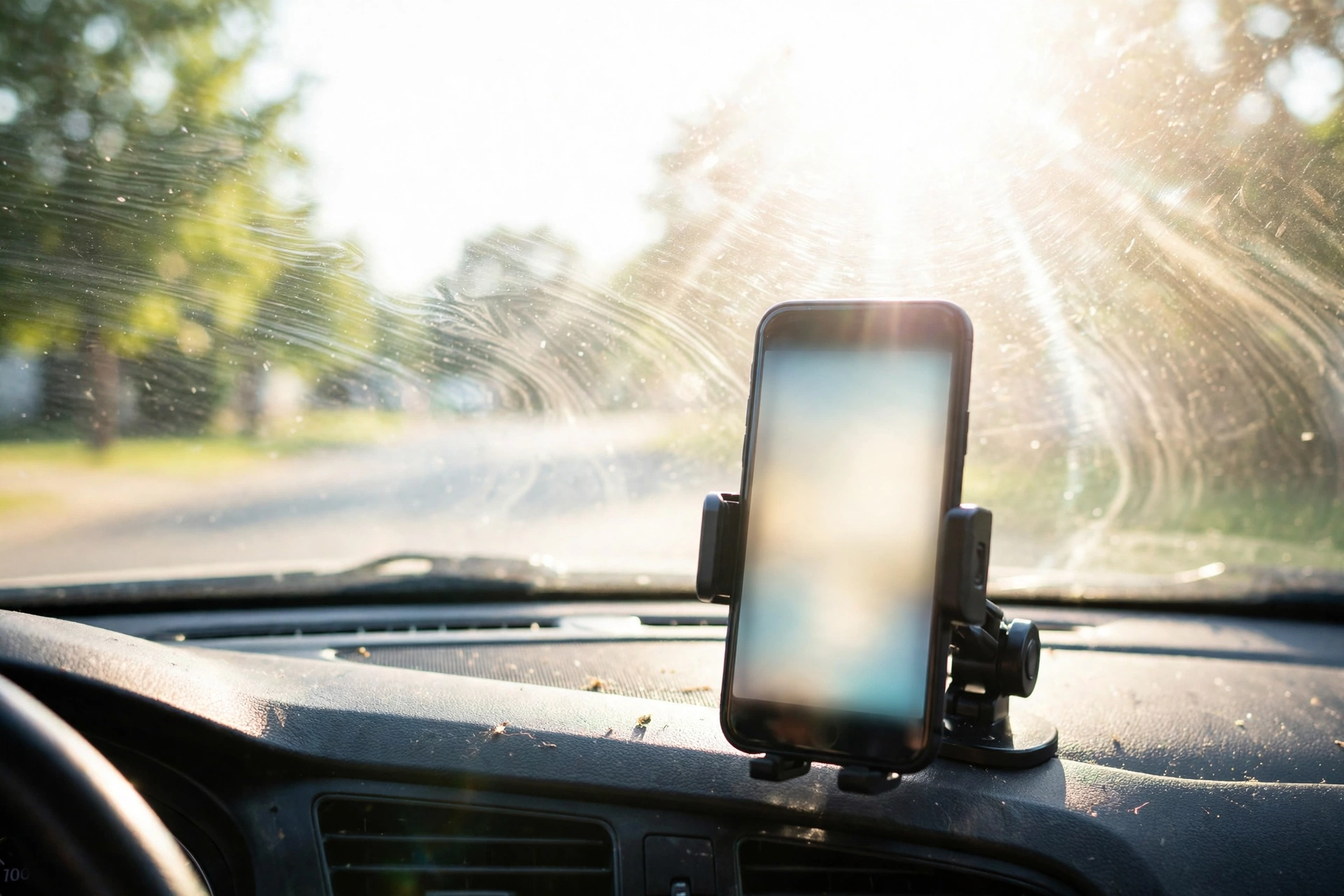
It usually goes like this. You get back to the car after it's been sitting in the sun, plug your phone in because the battery is low, set the navigation going, and ten minutes down the road the screen dims on its own. Then comes the warning: too hot, charging paused — usually just as you reach the confusing junction. Drivers describe the same scene over and over on motoring and phone forums — a phone that behaves perfectly at home but turns into a little hand-warmer the moment it's charging on the dashboard.
The frustrating part is that nothing is necessarily broken. A car on a warm day is close to the worst place a phone can work: heat comes at it from several directions at once, and it only has so many ways to get rid of it. Once you see the stack of causes, the fixes mostly suggest themselves — and the first few cost nothing.
Short answer
Your phone overheats in the car because heat piles up faster than it can escape: the cabin and dashboard are already hot, sunlight pours through the windscreen, the screen, navigation and mobile data are all working hard, and charging itself warms the battery — fast charging and wireless charging warm it the most. Move the phone out of direct sun and into the path of the air conditioning, charge at standard speed on hot days, and take the case off while it charges. If the battery is swollen or the phone gets too hot to hold, stop using it and get it checked.
What's actually heating your phone up
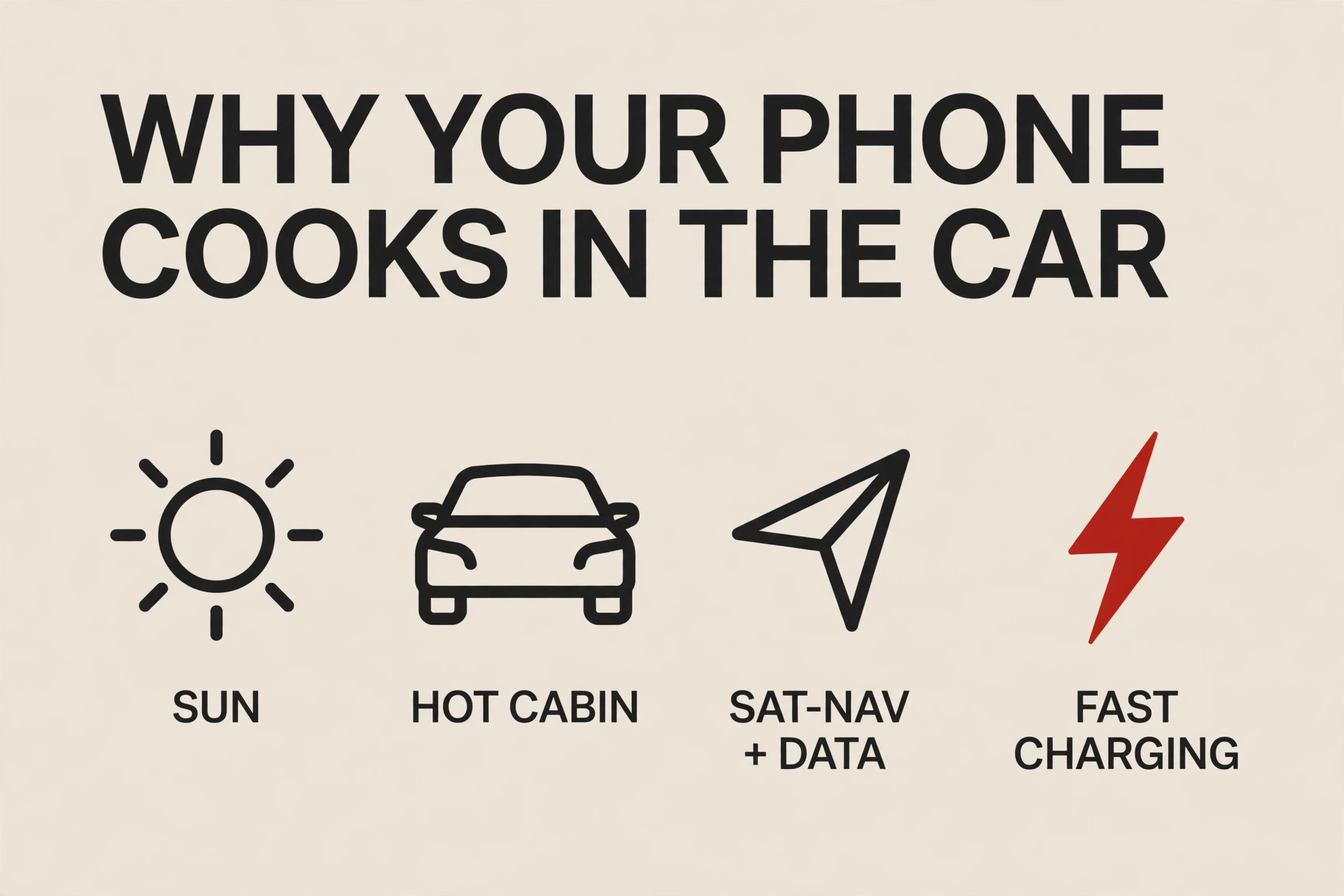
Most people blame the charger first, and sometimes they're right. But in a car it's rarely one thing. It's a stack, and each layer makes the others worse.
The car itself is already hot
A parked car's interior heats up fast in summer sun — on a hot day the cabin can pass 50°C, and the dashboard, which sits under the windscreen soaking up direct sun, gets hotter still. A phone that spent the last hour clamped to that dashboard starts the journey already warm, so it hits its temperature limit far sooner than it would at home.
Where the phone sits matters too. A windscreen or dash mount puts it in the sunniest spot in the car, slow-cooking under the glass for the whole drive.
The phone is working its hardest while it charges
The screen is on the whole time, often at full brightness to fight the sunlight. Navigation is running constantly, the GPS is polling, mobile data is pulling traffic updates. If the signal is patchy — country roads, motorways between towns — the phone pushes its radio harder to hold a connection. All of that generates heat inside the phone before the charger adds any of its own.
Charging adds heat — and faster means hotter
Charging a battery is never perfectly efficient, and the wasted energy leaves as heat. Fast charging pushes power in harder, so it warms the battery more than a standard charger does. In a hot car, that's the layer that tips things over.
Wireless charging pads are worse again for heat. They're less efficient than a cable, so more of the energy turns into warmth, and the phone sits pressed against a pad that can also be hot from the sun. Plenty of drivers find a pad barely adds charge in summer — the phone spends its effort just staying cool.
The smaller things that finish the job
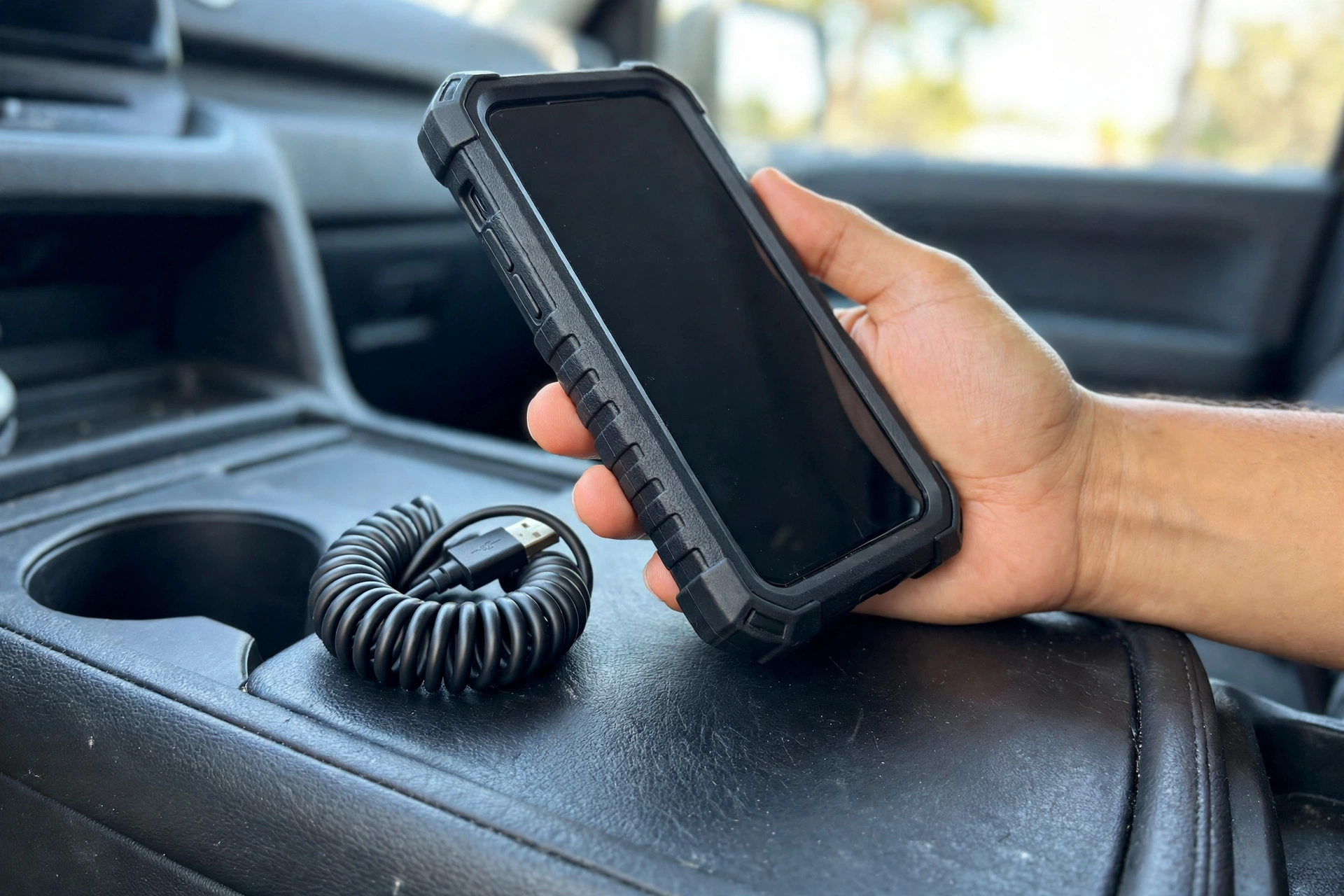
A thick or rugged case insulates the phone like a coat — great for drops, bad for shedding heat. An ageing battery runs hotter and holds less charge, so an older phone heats up faster and needs charging more often. Alone, none of these is the villain; together, they're the whole problem.
Fixes, in the order worth trying them
Work down this list rather than buying things first. The top items solve most cases.
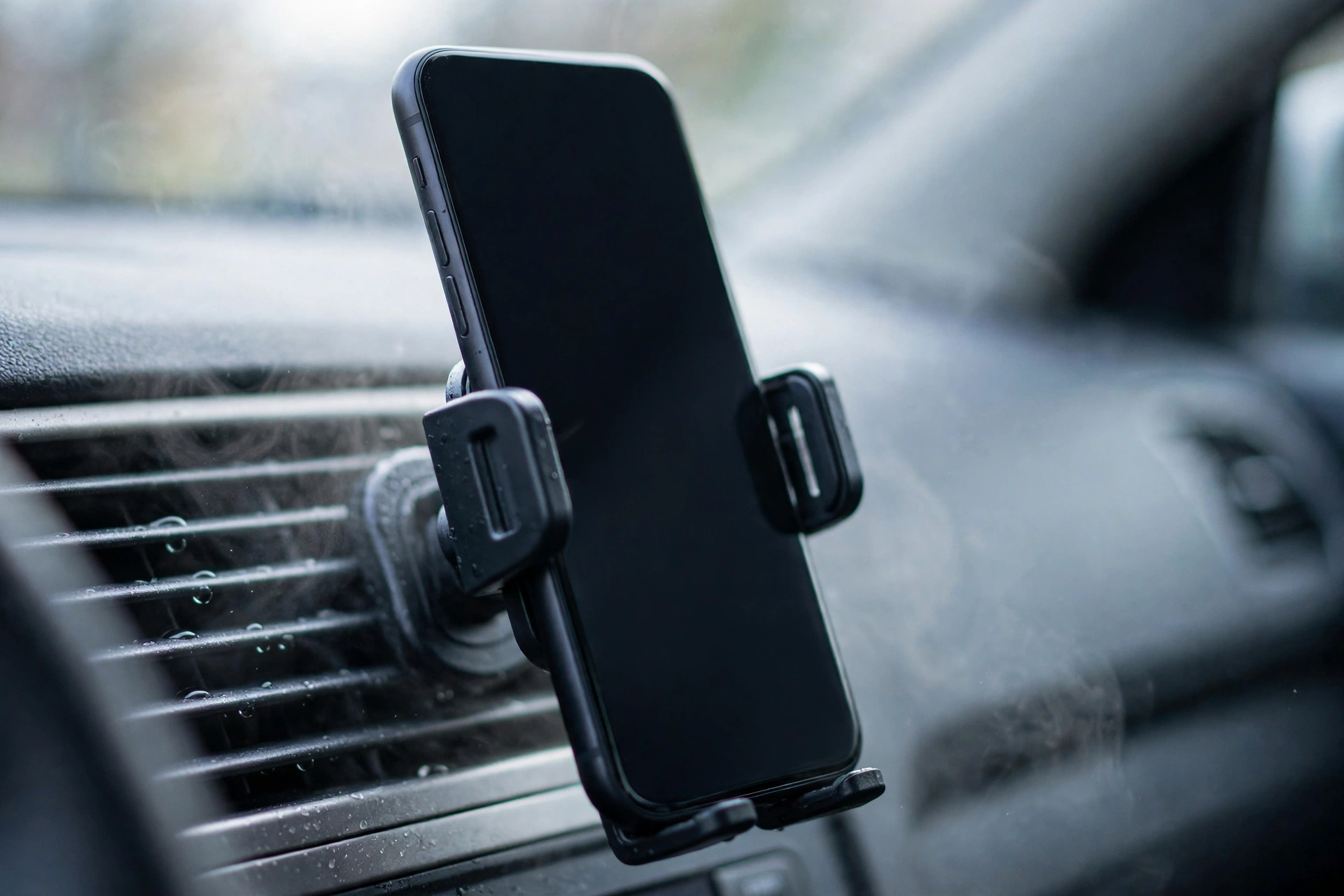
- Move the phone out of the sun. An air-vent mount is the single best change most drivers make: cooled air instead of hot glass. Failing that, get it off the dashboard and into the shade of the cabin.
- Let the cabin cool before you plug in. Give the air conditioning a few minutes after the car's been parked in the sun. Plug in once the air inside feels normal, not into a heat-soaked cabin.
- Use a standard-speed charger on hot days. Save the fast charger for cooler conditions. Slower charging on a scorcher still gets you there; a thermal shutdown at 12% battery doesn't.
- Take the case off while charging. It feels like a faff, but it genuinely helps the phone shed heat. Put it back on when you get out.
- Close what you aren't using. Shut the hotspot, kill background apps, and drop the brightness a notch if you can still see it. On a stretch where you're just following signs, pausing navigation gives the phone a real break.
- Skip the wireless pad on very hot days. Plug in a cable instead. If the car only offers a pad, charge in short bursts and lift the phone off between them.
- Never leave the phone charging in a parked car. A charging battery in an empty, heat-soaked car is a bad mix, theft risk aside. Take it with you.
The causes at a glance
- Parked car in the sun — the cabin and dashboard heat-soak the phone before you even start. Quick fix: cool the cabin with air con before plugging in.
- Windscreen or dash mount — direct sun through the glass for the whole drive. Quick fix: move to an air-vent mount or a shaded spot.
- Navigation, data and bright screen — the phone's hardest workload, all at once, while charging. Quick fix: close spare apps, drop brightness, skip the hotspot.
- Fast charging — pushes power in harder, so the battery warms more. Quick fix: use a standard-speed charger on hot days.
- Wireless charging pad — less efficient than a cable; more energy lost as heat. Quick fix: use a cable, or charge in short bursts.
- Thick case and ageing battery — the case traps heat; old batteries run hotter and drain faster. Quick fix: remove the case while charging; plan a battery check if it's old.
When it's not just "hot" — the safety line
A warm phone on a summer drive is normal. Some signs are not. If the back of the phone is bulging or the screen is lifting at the edges, that's a swollen battery: stop charging it, stop using it, and get it to a repair shop — don't charge it overnight. The same goes for a phone that becomes too hot to hold comfortably, smells sweet or chemical, or throws heat warnings in a cool room at home. Those point to a battery or hardware fault, not the weather, and they don't fix themselves. Apple's own temperature guidance sets out the same limits and the same three steps: switch off, move it somewhere cooler, let it rest.
Frequently asked questions
Why does my phone stop charging in the car but charge fine at home?
Because the phone is protecting itself. When the battery gets too hot, the phone slows charging right down or pauses it until things cool off. At home there's less heat to begin with, so it never reaches that limit. In the car, sun, cabin heat and navigation push it over.
Is it safe to keep driving while the phone shows a temperature warning?
The phone will dim its screen and slow itself down to stay safe, but a frozen sat-nav is a distraction you don't need. Pull over somewhere safe, unplug it, move it into the shade or the cool air stream, and let it settle before carrying on.
Does a cheap charger make overheating worse?
It can. Poorly made chargers and cables can deliver power unevenly, waste more of it as heat, and may not regulate the draw properly. A charger from the phone's maker or a reputable brand, matched to your phone, is the safer bet — though even a perfect charger can't beat a dashboard in July.
Will a vent mount really make that much difference?
For most people, yes — it's the fix drivers mention most. The phone goes from sitting in direct sun on a hot dashboard to sitting in a stream of cooled air, which removes two of the biggest heat sources at once.
My phone is a few years old and heats up far more than it used to. Why?
Batteries age. An older battery holds less charge, works harder to deliver power, and runs hotter in the process, so it hits the temperature limit sooner — and needs charging more often, which adds more heat still. If everything else checks out and it still overheats, get the battery health tested — replacements are often cheaper than people expect.
The bottom line
A phone overheating in the car is almost never a mystery fault — it's ordinary heat arriving from four or five directions at once, on top of the hardest job the phone does all day. Get it out of the sun, into the cool air, charge it gently on hot days, and it will usually behave. Treat a swollen battery or a phone too hot to hold as a different matter entirely: that one goes to a repair shop, not back on the charger.