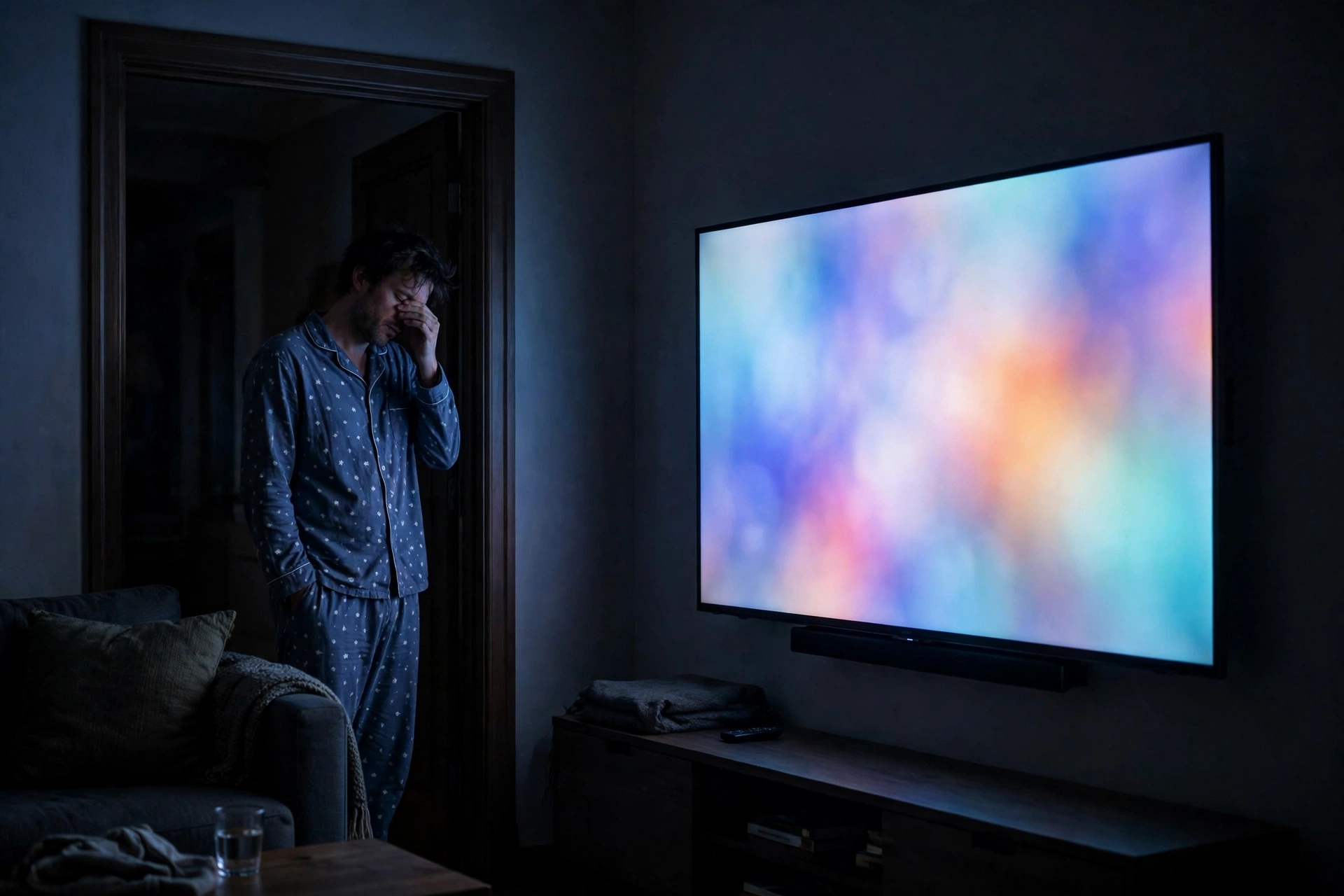
It is 3 a.m. and the house is quiet. Then, from the living room, a blast of sound: a cheerful presenter is trying to sell a saucepan set to an empty room. You shuffle in, squinting, kill the TV with the remote and go back to bed. Twenty minutes later it is on again.
Half the house is now convinced the place is haunted. Online there is always a story like yours, only worse — somebody whose TV clicks on at 3:12 every night, tuned to a shopping channel they have never watched.
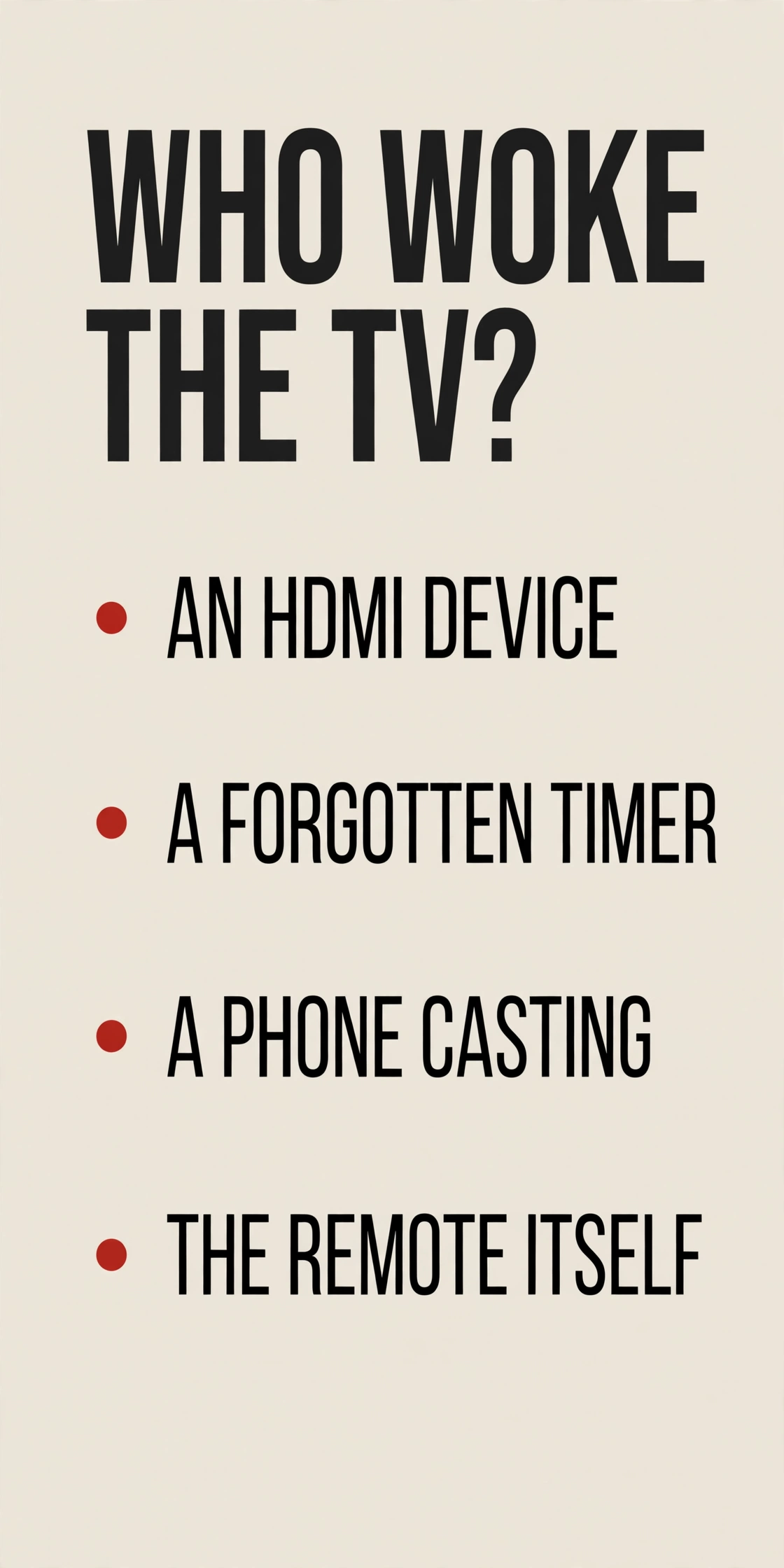
Here is the less exciting truth: your TV is not possessed. Something in your home keeps telling it to switch on. Your job is to work out who is giving the orders. Here are the usual suspects, in the order they are usually guilty.
Short answer
Nine times out of ten, a TV that turns itself on is being woken by something else: another device shouting down the HDMI cable, a timer somebody set and forgot, a phone casting to it over Wi-Fi, or the TV's own overnight software update. Work through the causes below, changing one thing per night, and you will catch the culprit. If it also switches itself off, or loops on and off, that is likely a genuine fault.
1. HDMI-CEC: the number one culprit
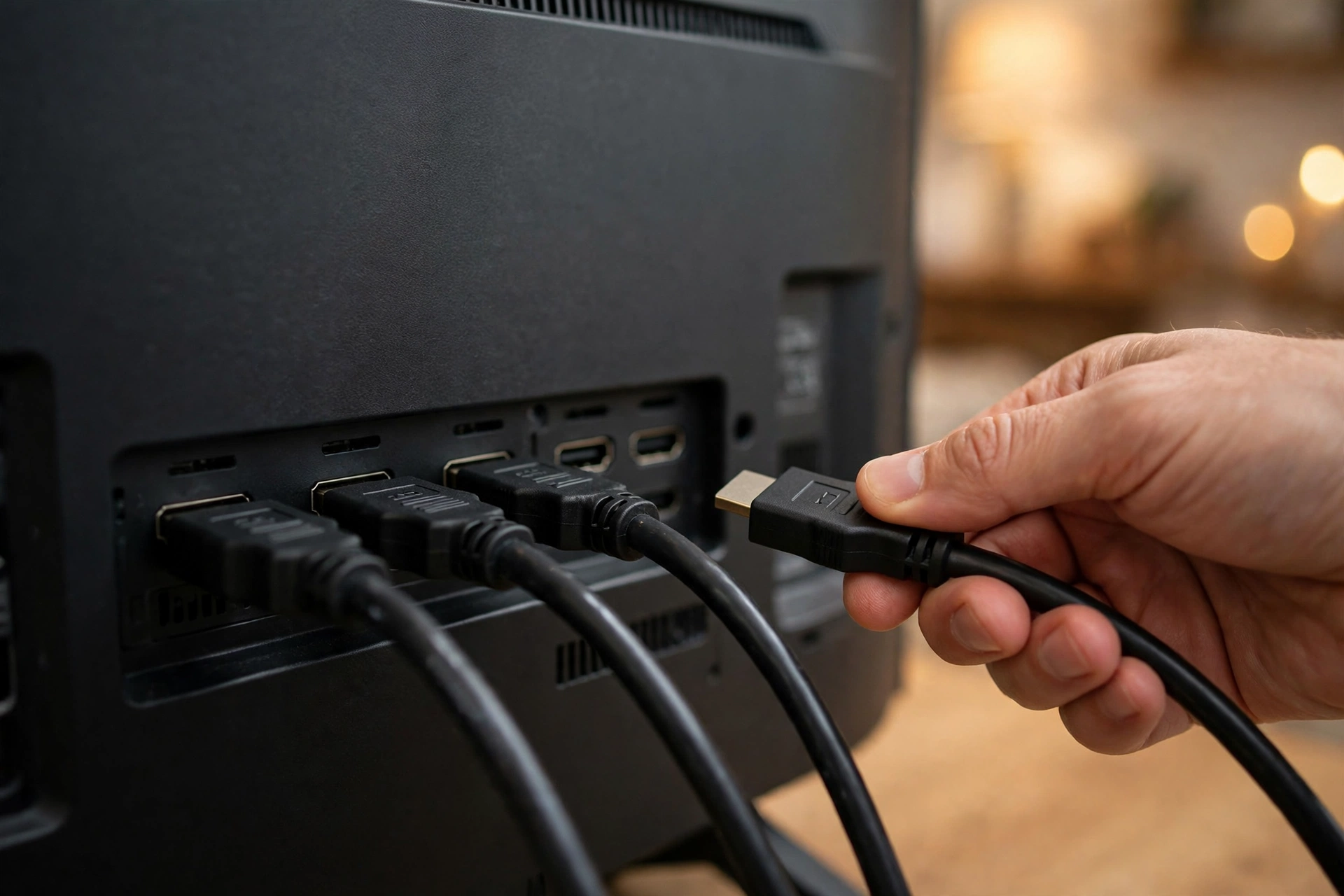
The feature is called HDMI-CEC. It lets devices boss each other about over HDMI: press one button and the TV, soundbar and streaming box all wake together. Convenient at 7 p.m. Less charming at 3 a.m.
Every brand gives it a pet name: Anynet+ on Samsung, SIMPLINK on LG, BRAVIA Sync on Sony, plain HDMI Control or CEC elsewhere. Whatever the label, anything plugged into an HDMI port can send a "power on" signal, and the TV obeys.
So who sends that signal at night? Streaming sticks and consoles wake themselves up to install updates. A soundbar might stir because a cat has stepped on its remote, or because its remote slid behind a cushion and is being leaned on. On is on, whoever — or whatever — pressed it.
The test is simple. For one night, unplug the HDMI cables from everything — stick, console, soundbar — or switch CEC off in the TV's settings (in General or Connection settings). If the ghost fails to appear, CEC was your poltergeist. Reconnect one device per night until the haunting returns; that device is the culprit, and most sticks and consoles have their own CEC setting you can switch off instead.
2. A timer somebody set and forgot
Nearly every smart TV has an on timer in its time settings, meant to greet you with the news at breakfast. It also gets set by accident: kids mashing buttons, a stray press while hunting for the volume, even a demo loop programmed in the shop before you bought it.
Timers have a tell-tale fingerprint — the TV wakes at the same time, to the same channel or app, night after night. If your haunting runs to a schedule, this is almost certainly it. Open Settings, look under Time, Timers or Clock, where Sleep Timer and On Timer sit side by side. If the On Timer points at an ungodly hour, turn it off — ghost found.
3. Your phone (or a guest's) is waking it over Wi-Fi
Smart TVs listen to the network as well as the remote. Any phone on your Wi-Fi can cast YouTube, Spotify or Netflix to the TV — and on most sets, starting a cast switches the screen on. People do it by accident constantly: they tap the cast icon instead of their headphones, hit play, hear nothing, and fall back asleep. Meanwhile your TV is playing a true-crime podcast to the furniture.
It is not always a person, either: some apps reconnect to the last device they played on, and some TVs stir when an app refreshes in the background overnight. Any guest who has your Wi-Fi password can do it too, if they are in range.
The setting to hunt for goes by names like Wake on Wi-Fi, Wake on LAN, Network Remote, or "allow mobile devices to wake the TV". Switch it off for a couple of nights. You can still cast while the TV is on — the network just stops dragging it out of bed.
4. The remote is doing it
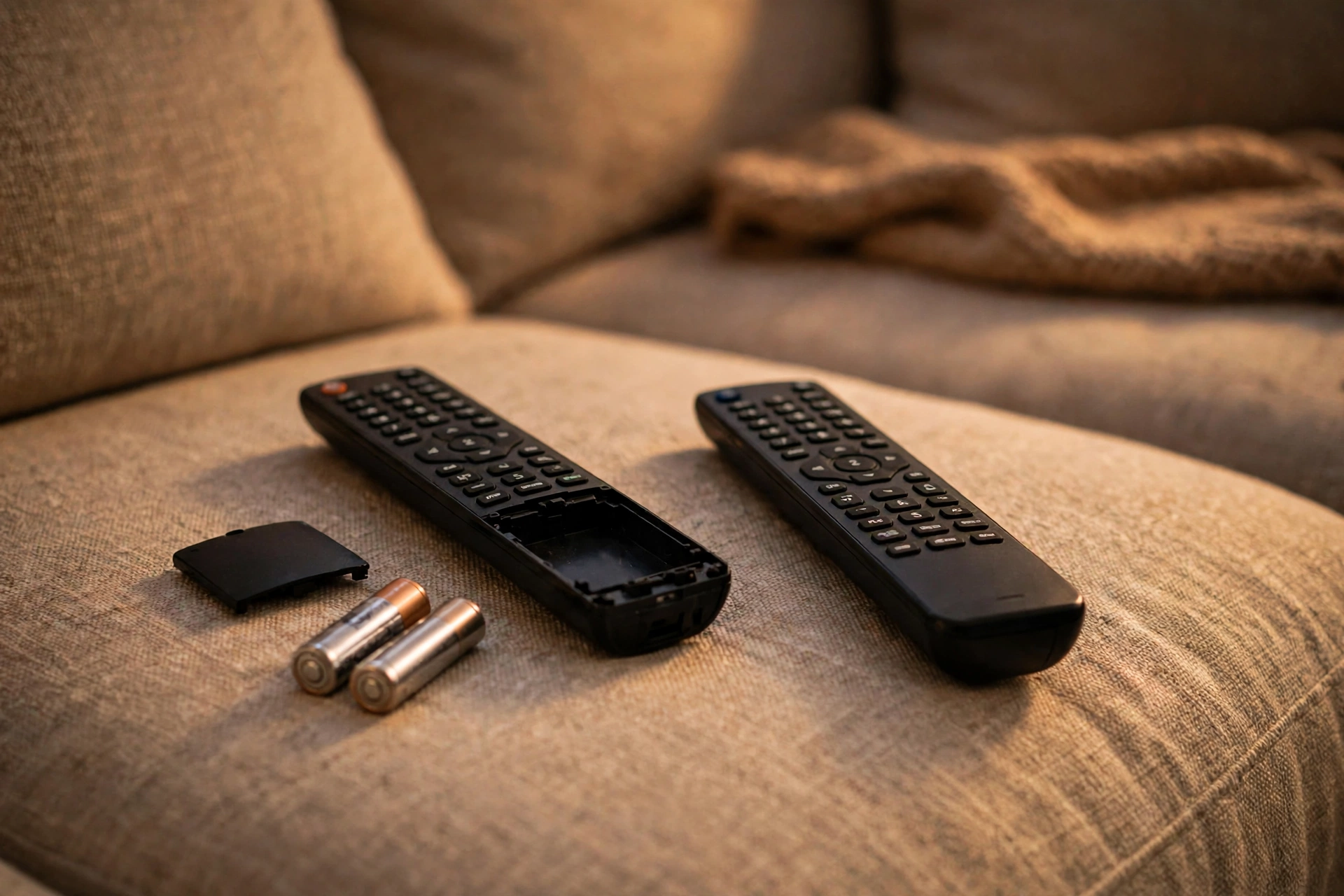
Before blaming the network, consider the remote: when batteries run low, some remotes behave oddly and fire off stray signals. Buttons get stuck, too: a remote wedged under a cushion or buried in the sofa with something heavy on top can press itself at random. Many homes also have a second remote lost in the same room, quietly leaning on its own power button.
The test costs nothing: take the batteries out of every remote in the room for one night. If the TV stays off, the remote did it, and fresh batteries end the story. If it wakes anyway, the remote is innocent — cross it off.
5. Overnight software updates
Smart TVs like to update themselves in the small hours. Most download quietly, but some restart during the process, and a few leave the screen on afterwards, sitting on a home menu until morning. If your TV wakes between 2 a.m. and 5 a.m. showing its home screen, this is a strong suspect.
Check two things. First, the update settings: look for Auto Update or "update while in standby", and see if updates can be scheduled for a saner hour or run manually instead. Second, check for a newer firmware version. A handful of models had a genuine bug where the TV woke after updating, fixed by — slightly awkwardly — another update. Install it while you watch it finish, and the night visits often end for good.
6. Power blips and the shop setting
The last common cause is the electricity itself: a brief outage in the night, a flicker so short the clocks survive it. When the power returns, most TVs just sit in standby. But some have a setting, often called Power On After Power Loss or Auto Power On, that brings the screen fully back to life. It exists for shop displays, which must recover on their own. In a living room it means every storm and grid hiccup ends with your TV on at 4 a.m.
If your hauntings line up with bad weather — a flashing oven clock is the classic fellow witness — set the TV to stay in standby after power returns, and consider a surge protector.
Match the symptom to the cause
What the TV is doing when you find it gives the game away.
- Wakes at the same time every night — an On Timer set by accident. The fix: find the On Timer in Time settings and turn it off.
- Wakes showing a random app or video — a phone casting over Wi-Fi, or an app reconnecting. The fix: turn off Wake on Wi-Fi / network wake in Network settings.
- Wakes when another device is used or stirs — an HDMI-CEC power signal from that device. The fix: turn off CEC on the TV or on the device.
- Wakes after storms or power cuts — a power blip plus the power-on-after-loss setting. The fix: set the TV to stay in standby after power returns.
When it might actually be a fault
Settings explain most hauntings, but not all. Book a repair, or start thinking about a replacement, if the TV turns on and off in a loop, clicks repeatedly from inside the casing, or switches off mid-programme as well as on at night. That pattern points at hardware — most often a failing power supply board. No menu setting fixes that, and it only gets worse — if the set is under warranty, use it. Samsung owners can compare notes with Samsung's official troubleshooting page for TVs that power on or off by themselves — its list of causes matches this one closely.
Frequently asked questions
Why does my TV turn on at the same time every night?
A schedule means a timer. Either the On Timer has been set, usually by accident, or the TV runs its update check at a fixed hour and leaves the screen on afterwards. Check timers first, then updates.
Can my neighbour turn my TV on?
Only if they have your Wi-Fi password — a house guest from last summer counts. Casting works only within the same network, so a neighbour with the password, in range, could wake it by casting from their phone, almost certainly by accident. Changing the password ends it.
Will turning off HDMI-CEC break anything?
No. Everything keeps working; you just need each device's own remote to switch it on, instead of the whole chain waking together. Miss the convenience? Turn CEC back on and disable it only on the device that was waking the TV.
Does unplugging the TV at night do any harm?
Not to the TV. It is a sound short-term fix while you hunt the cause, and it guarantees a quiet night. The TV just cannot update itself while unplugged, and some sets take a minute to boot in the morning.
My TV turns off by itself too. Is that the same problem?
Probably not, and that one matters more. Turning on by itself is nearly always a signal arriving from somewhere; turning off as well points at a failing power board. That is a repair job, not a settings job.
Case closed: not haunted
Work through the list in order — HDMI cable, timer, Wi-Fi, remote, updates, power — changing one thing a night, and the midnight screenings will stop. The TV was never haunted. It was just doing what it was told, by something in your own house. Sleep well.